
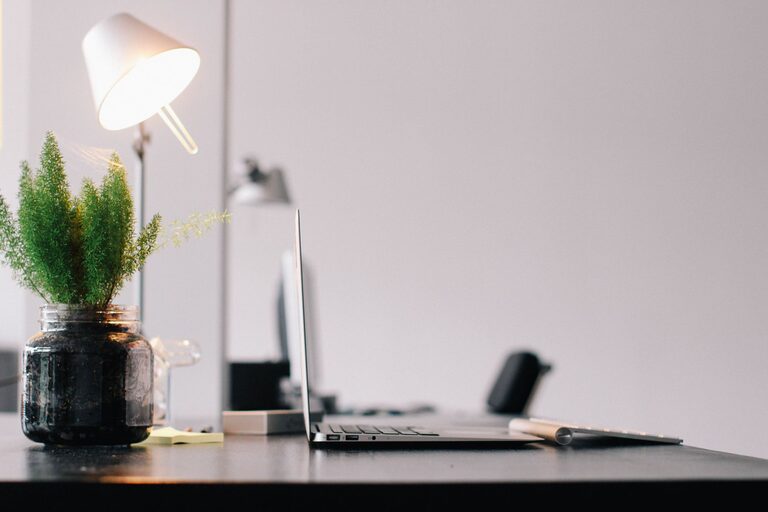
Creating an organized home workspace can significantly improve your productivity and make working from home more enjoyable. Whether you have a dedicated office or a small corner in your living room, the way you arrange and maintain your workspace influences how effectively you can work. In this post, we’ll explore simple and effective tips to help you declutter, organize, and optimize your home workspace for better focus and efficiency.
Why Organizing Your Workspace Matters
A tidy and well-organized workspace reduces distractions, saves time searching for items, and creates a positive working environment. When everything has a place, it’s easier to stay on task and maintain motivation throughout your day.
Step 1: Choose the Right Spot
Consider Light and Comfort
Select a location with plenty of natural light if possible. Natural light helps reduce eye strain and boosts energy. If that’s not an option, use good-quality artificial lighting. Make sure your chair and desk are comfortable and ergonomically supportive to avoid back or neck pain.
Minimize Noise and Interruptions
Try to place your workspace in a quiet area. If that’s challenging, consider noise-canceling headphones or white noise machines to block distractions.
Step 2: Declutter Your Desk and Surroundings
A clutter-free desk promotes clear thinking. Start by removing everything from your work surface. Sort through papers, office supplies, and personal items:
– Keep only what you use daily on your desk.
– File or store important documents properly.
– Throw away or recycle unnecessary papers.
– Limit personal items to a few favorites to maintain warmth without clutter.
Step 3: Use Efficient Storage Solutions
Desk Organizers and Drawers
Use trays, cups, or drawer dividers to keep pens, paper clips, and other small items in order. Label containers for easy identification.
Shelves and Filing Systems
Shelves, filing cabinets, and document holders keep paperwork organized and off your desk. Sort files by category and label folders clearly.
Digital Organization
Organize your digital files with clear folder structures and regularly back up important documents. A cluttered digital workspace can be just as distracting as a physical one.
Step 4: Optimize Your Desk Layout
Keep Frequently Used Items Handy
Place items you use often within arm’s reach. This includes your computer, notepad, pens, and phone.
Cable Management
Use clips or ties to keep cords and cables tidy, preventing tangles and freeing up space.
Personalize Wisely
Add a plant or a small piece of art to personalize your space – but keep decorations minimal to avoid distractions.
Step 5: Establish Daily Habits for Maintaining Order
End-of-Day Clean-Up
Spend 5 minutes at the end of each workday putting things back in place. This simple habit prevents clutter build-up.
Review and Purge Weekly
Set aside time weekly to review your workspace. Clear unnecessary items and tidy storage areas.
Limit Distractions
Keep non-work-related items out of sight to maintain focus during work hours.
Additional Tips for Enhanced Productivity
– Use a Whiteboard or Planner: Jot down your daily tasks and deadlines to stay organized.
– Ergonomics Matter: Adjust your chair height and monitor position to prevent strain.
– Take Breaks: A clean space encourages better movement and helps remind you to take short breaks.
– Good Ventilation: Keep your workspace fresh and comfortable with proper air circulation.
Conclusion
Organizing your home workspace doesn’t have to be complicated or time-consuming. By choosing the right spot, decluttering, using smart storage, and maintaining daily habits, you can create a functional and inspiring area that boosts your productivity. Start with small changes, and enjoy the benefits of a neat, efficient workspace that supports your work-from-home routine.